⚠️ Disclaimer
- High-Level Overview Only: This project documentation provides a high-level architectural and feature overview of the system.
- Privacy Protection: Due to proprietary concerns and confidentiality agreements, detailed source code and implementation specifics cannot be disclosed publicly.
- Information Currency: This documentation reflects the system state as of my departure in September 2025. Subsequent patches, updates, and improvements made by the Finspark IT team may not be reflected here.
Industry | Full-Stack Web Development
Finspark Administration Website
A centralized Node.js & Express.js web application designed to streamline business operations for Finspark Sdn Bhd (Finspark Holdings and MMC FP Sdn Bhd). Integrates with AutomaticSales.ai (CRM) and AutoCount Cloud Accounting (accounting software) for comprehensive management of courses, payments, and financial documents.
Project Overview
As part of my 12-week internship at Finspark Sdn Bhd, I led the research, design, and development of a comprehensive administration website. The project addresses critical workflow inefficiencies across multiple departments by consolidating course management, customer relationship management, and financial operations into a single, intuitive platform. The centralized system also aims to resolve the company's problem of data fragmentation, where user and business data were spread across different platforms.
Due Finspark's nature of being an SME with less focus in IT operations, I had to develop the system by myself with occasional supervision from my supervisors. The alpha version was officially deployed to live production in October 2025 and used by 15+ employees across finance, operations, marketing, and sales departments.
Timeline
12 Weeks (July - September 2025)
Role
Full-Stack Developer
Users
15+ Employees (Multiple Departments)
Impact
Increased productivity and operational efficiency
Core Features
📚 Course Management
Manage courses (online & offline), identify payment status, and track customer enrollment. Kanban-style interface with drag-and-drop functionality for flexible course scheduling.
💰 Payment Processing
Record and manage customer payments. Generate Official Receipts (OR) and Payment Vouchers (PV). Verify payments with approval workflows by accounting team.
📄 Financial Document Generation
Automatically generate and manage quotations, invoices, official receipts, and payment vouchers in PDF format. Centralized document listing with download capabilities.
👥 Contact Management
Search, create, and update customer contacts. Seamless integration with AutomaticSales.ai (CRM) for synchronized customer data.
📝 Registration Forms
Public-facing registration forms for customers to sign up for courses. Automated validation, contact creation, and payment tag assignment.
✉️ Email Automation
Automated email notifications for invoices and course updates. Bulk email capabilities for efficient communication with customers.
📊 Marketing Tools
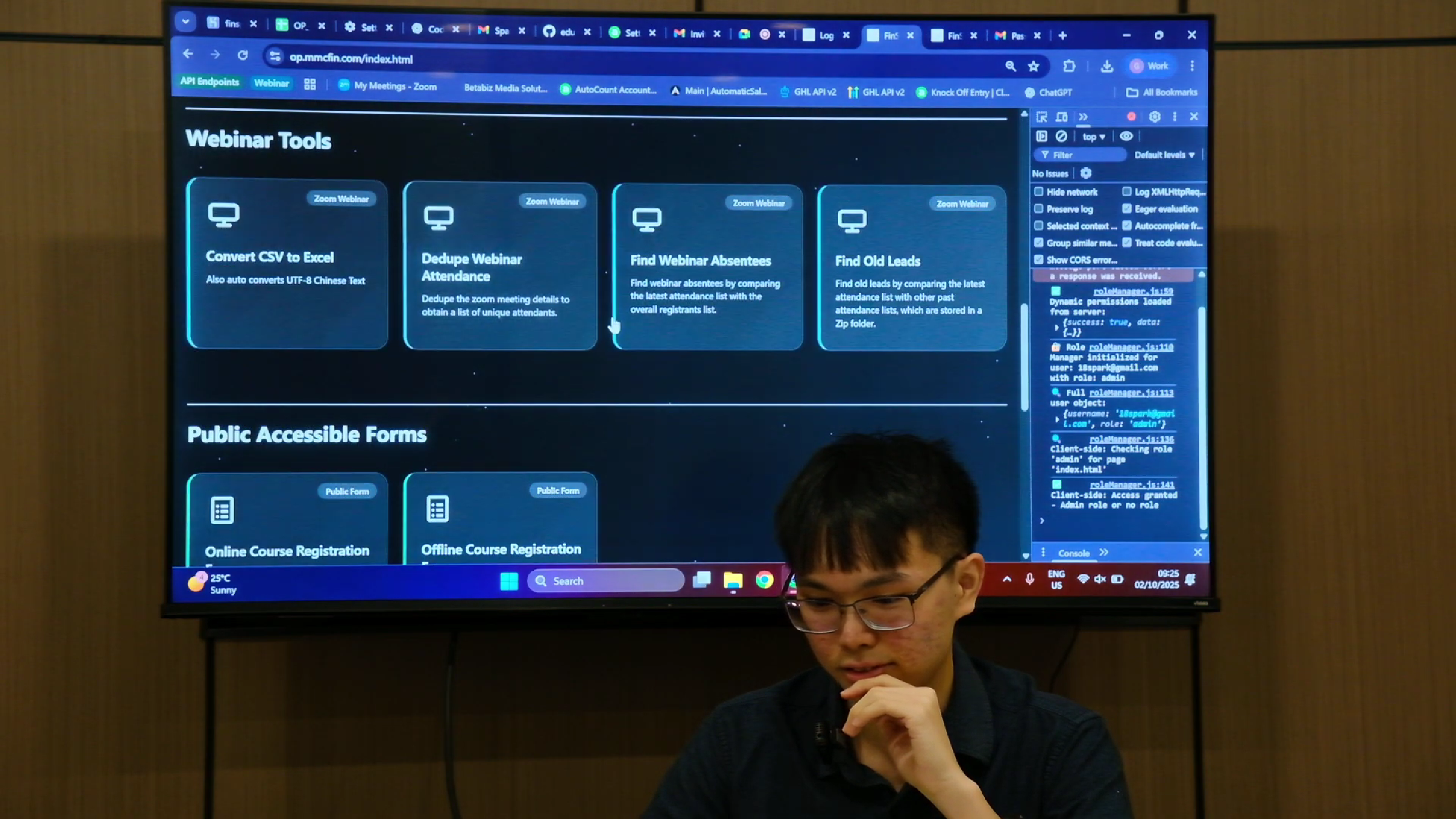
Webinar management tools including CSV conversion, duplicate detection, and attendance tracking to optimize marketing operations.
🔐 Role-Based Access Control
Multi-role authentication system (Admin, Sales, Finance, Operations, Marketing) with granular permission management.
Technology Stack
Architecture & Key Systems
1. Authentication & Authorization
Multi-layer authentication using JWT tokens and Google Sheets* as the user database. Role-based access control with granular permission caching for performance optimization. Features include session management, secure cookies, and fallback authentication using admin credentials.
Google Sheets was utilized as a lightweight database solution to balance functionality and cost-efficiency. Due to the company's relatively small operational scale, deploying a full-scale database management system was not considered necessary. This approach is subject to change as future scalability requirements evolve.
2. Course Management System
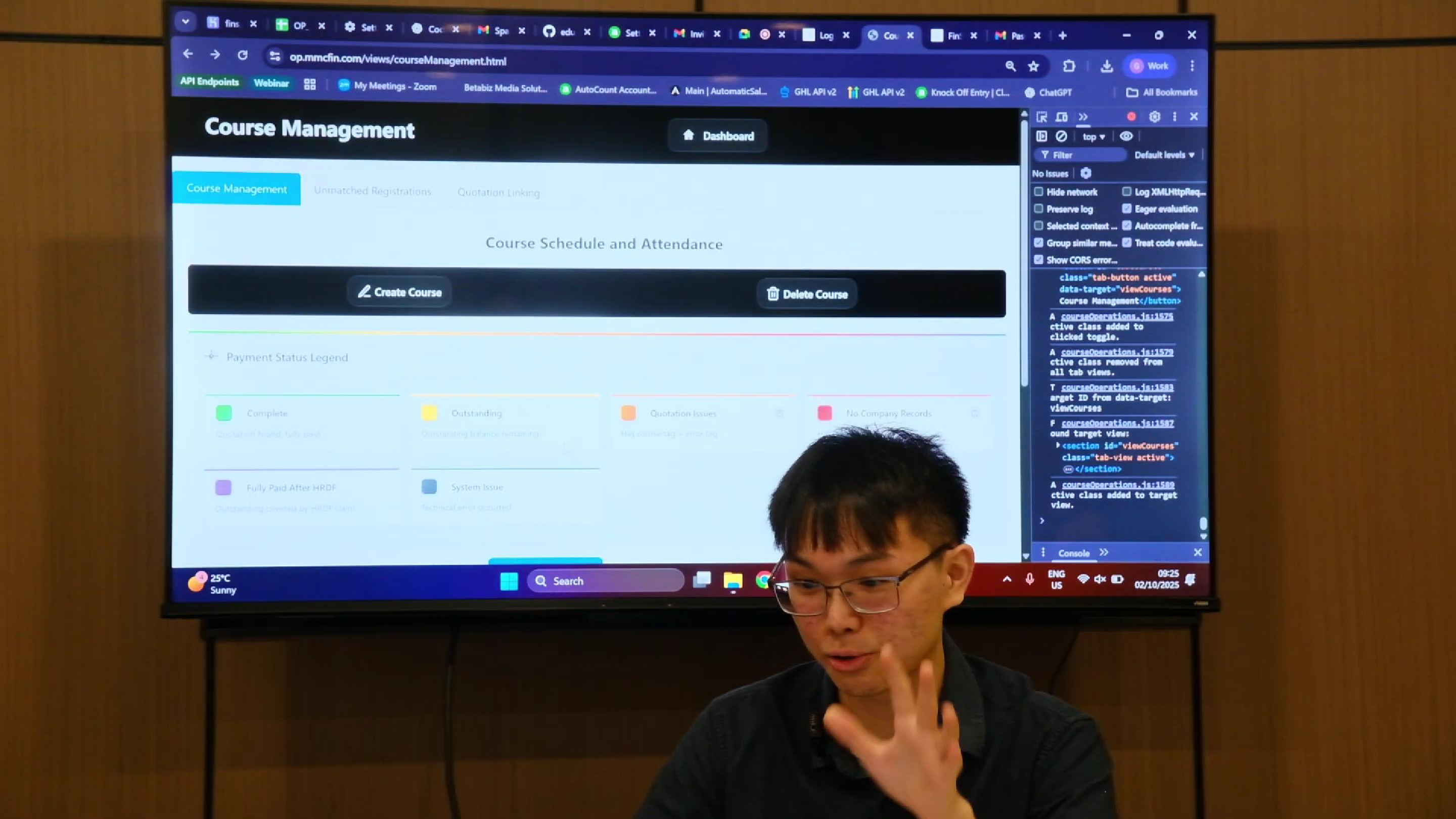
Kanban-style interface for managing course schedules. Supports both online and offline courses. This feature allows admins to view students who are scheduled to attend a course for a particular date. Drag-and-drop functionality allows admins to reallocate students between course dates. Color-coded payment status indicators provide at-a-glance visibility into customer payment progress.
3. AutoCount Integration
Seamless integration with AutoCount Cloud Accounting API for managing debtors (companies), quotations, and other financial documents. Quotation capacity management ensures registration slots are accurately tracked. All financial transactions are automatically recorded and categorized.
4. Payment Verification Workflow
Three-stage payment approval process: submission (via payment forms) → pending review (stored in Google Sheets) → approval/rejection by finance team. Once approved, Official Receipts or Payment Vouchers are automatically created in AutoCount, while its details will be pulled to the system for viewing. Rejected payments are logged for audit purposes.
5. Document Generation Pipeline
Uses DocxTemplater to populate Word templates with customer data, then converts to PDF via LibreOffice. Supports quotations, invoices, official receipts, and payment vouchers. All documents are versioned and stored for audit trail purposes.
Outcomes & Impact
Successfully implemented operational automations that directly improved company efficiency:
- ✓ 15+ Employee Productivity Boost: Centralized platform eliminated manual data entry and reduced context switching across multiple systems
- ✓ Automated Document Generation: Reduced Finance & Accounting department workload for manual invoice and receipt creation
- ✓ Real-Time Financial Tracking: Finance and Operations team now have instant visibility into payment status and outstanding amounts
- ✓ Streamlined Marketing Operations: Webinar management tools significantly reduced time spent on attendee data processing
- ✓ Production Deployment: Alpha version deployed to live production in October 2025, serving multiple departments daily
Technical Highlights
API Integration Strategy
Built custom service classes to abstract complex API interactions with AutomaticSales.ai and AutoCount. Implemented error handling, retry logic, and rate limiting to ensure reliable integration with external services.
Security Implementation
Multi-layer security stack including CORS configuration, express rate limiting, input sanitization, XSS protection headers, and secure JWT authentication. Environment variables (stored in .env file and Heroku) protect sensitive credentials and API keys.
Containerization with Docker
Implemented Docker containerization for consistent development and production environments. Dockerfile includes LibreOffice dependencies for PDF generation capabilities. Multi-stage builds optimize image size and caching efficiency.
Performance Optimization
Permission caching reduces database queries for frequently accessed role permissions. Batch email processing with rate limiting prevents service throttling. Strategic use of async/await for non-blocking I/O operations.
Project Structure (High-Level View)
Deployment & Maintenance
Deployment Strategy: Automated CI/CD pipeline using GitHub Actions. Commits trigger Docker image builds that are pushed to Heroku's container registry. Application redeploys automatically within ~3 minutes.
Local Development: Standard Node.js setup with .env configuration. Docker support available for testing PDF generation features with LibreOffice dependencies. Comprehensive .gitignore protects sensitive files.
Future Improvements: The codebase includes detailed documentation for successors. Some areas flagged for refactoring include quotation API consistency and expanded test coverage.
Gallery - System Briefing and Presentation


Learn More
This project showcases full-stack development capabilities, API integration, system design, and real-world business automation.
Deployed and actively used in production.